For restaurant guests on the go
A QR menu for restaurants, with the current limits clear
A scan-to-view menu can make it easier for guests to open current menu information on their phones. MenuDock is planning the hosted page and persistent QR workflow; it is not available yet.
Planned for MenuDock
A simpler way to keep a menu current
Only the first step is available today. MenuDock has not launched publishing, hosted menu pages, or permanent QR codes.
- 01 · AvailableCreate your menu
Design it with an editable template in the Menu Maker mobile app.
- 02 · PlannedPublish online
Put the approved menu on a public MenuDock page guests can open.
- 03 · PlannedGenerate a QR code
Link a printable code to the public menu page.
- 04 · PlannedUpdate the menu
Replace menu content while keeping the same public link and QR code.
Why restaurants consider a QR menu
A code on a table tent, counter sign, or takeaway insert gives a guest a direct path to menu information on their phone. A well-planned digital menu can be easier to read at a comfortable distance, and a hosted menu can be updated without replacing printed codes when its address stays stable.
Those benefits depend on a working public menu page. MenuDock has not launched that hosting and stable-link workflow yet, so we do not promise those outcomes today.
Make the menu useful before adding a code
Choose recognizable sections, keep dish names easy to scan, align prices consistently, and include only descriptions that help a guest decide. For example, a cafe might put espresso, brewed coffee, breakfast, and bakery in separate sections rather than placing every item in one long list.
The Menu Maker app can help you design that menu with an editable template. See the restaurant menu design guide for more practical layout advice.
Know what the QR option means today
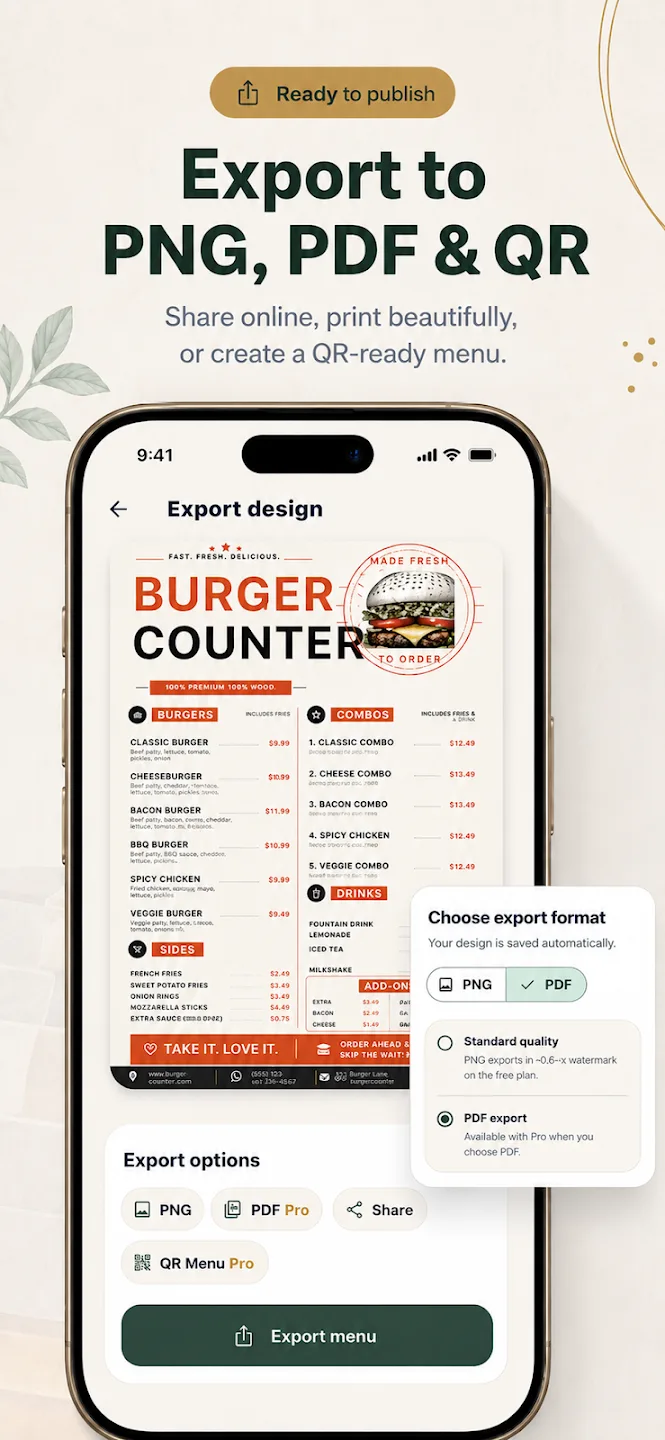
The Menu Maker export screen shows a “QR Menu” option marked Pro. It is separate from MenuDock online publishing: there is no public MenuDock menu URL or persistent QR destination available today.
For the broader planned product, visit digital menus for restaurants or read about the QR menu maker workflow.
Restaurant QR menu questions
What restaurants can expect
Can guests scan a MenuDock QR code to open my menu today?
Why do restaurants use QR menus?
Can I make a menu design now?
Start creating
Start with a menu design in Menu Maker.
Create and export your design in the iOS or Android app.