Let the food lead
Food menu design that helps guests choose
Make a food menu easy to scan before you add decoration. Put related dishes together, use concise descriptions, and give every price a clear place on the page.
Group dishes in a way guests recognize
Use labels that match the choices in front of a guest. A small cafe could organize breakfast, bakery, coffee, and cold drinks. A larger dinner menu might separate starters, mains, sides, and desserts.
Breakfast → bakery & sides → coffee & tea → cold drinks. If the order of service is different at your place, arrange the sections to match it.
Give each item a clear reading order
Start with a short dish name, place the price consistently, and use a description only when it adds useful detail. If you use a photo, check that it supports the item and does not make the rest of the page harder to scan.
A practical review pass is to cover the descriptions and scan just the names and prices. Then read the descriptions separately. If either pass feels confusing, simplify the hierarchy.
Customize the design to your actual offering
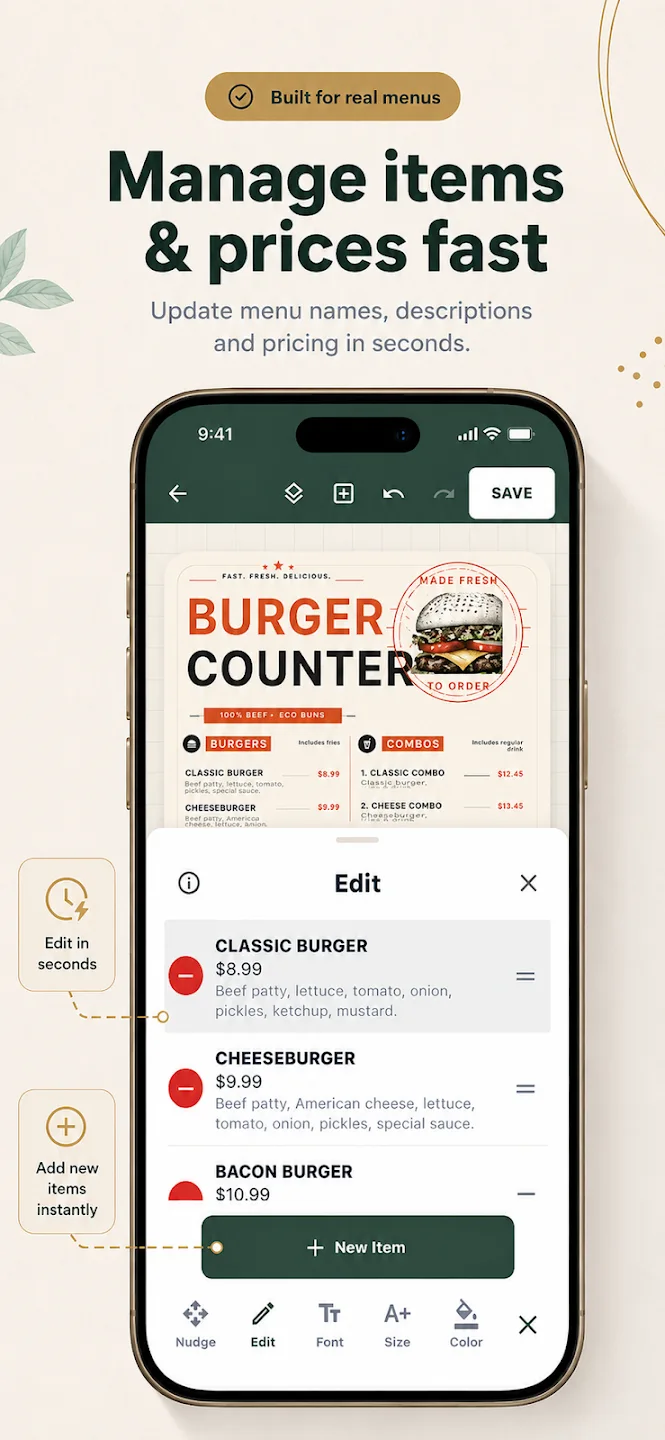
Menu Maker’s mobile editor supports changes to menu text, prices, descriptions, fonts, colors, images, and sections. Replace every sample detail, including prices, before exporting. The app includes editable starting layouts for several food business types.
For restaurant-specific choices, read our restaurant menu design guide; to choose a starting style, explore menu design templates.
Food menu questions
Plan the page
How should I organize a food menu?
Should every dish have a long description?
Can Menu Maker edit item names and prices?
Start creating
Make the menu easy to read.
Customize a food menu layout in Menu Maker on mobile.